A clearer way to share a planet

Know when they're awake. Without doing the math.

Solstice turns your new tab into a calm map of time—showing local hours, daylight, and the shape of everyone's day in one glance.

Free · No account · No analytics
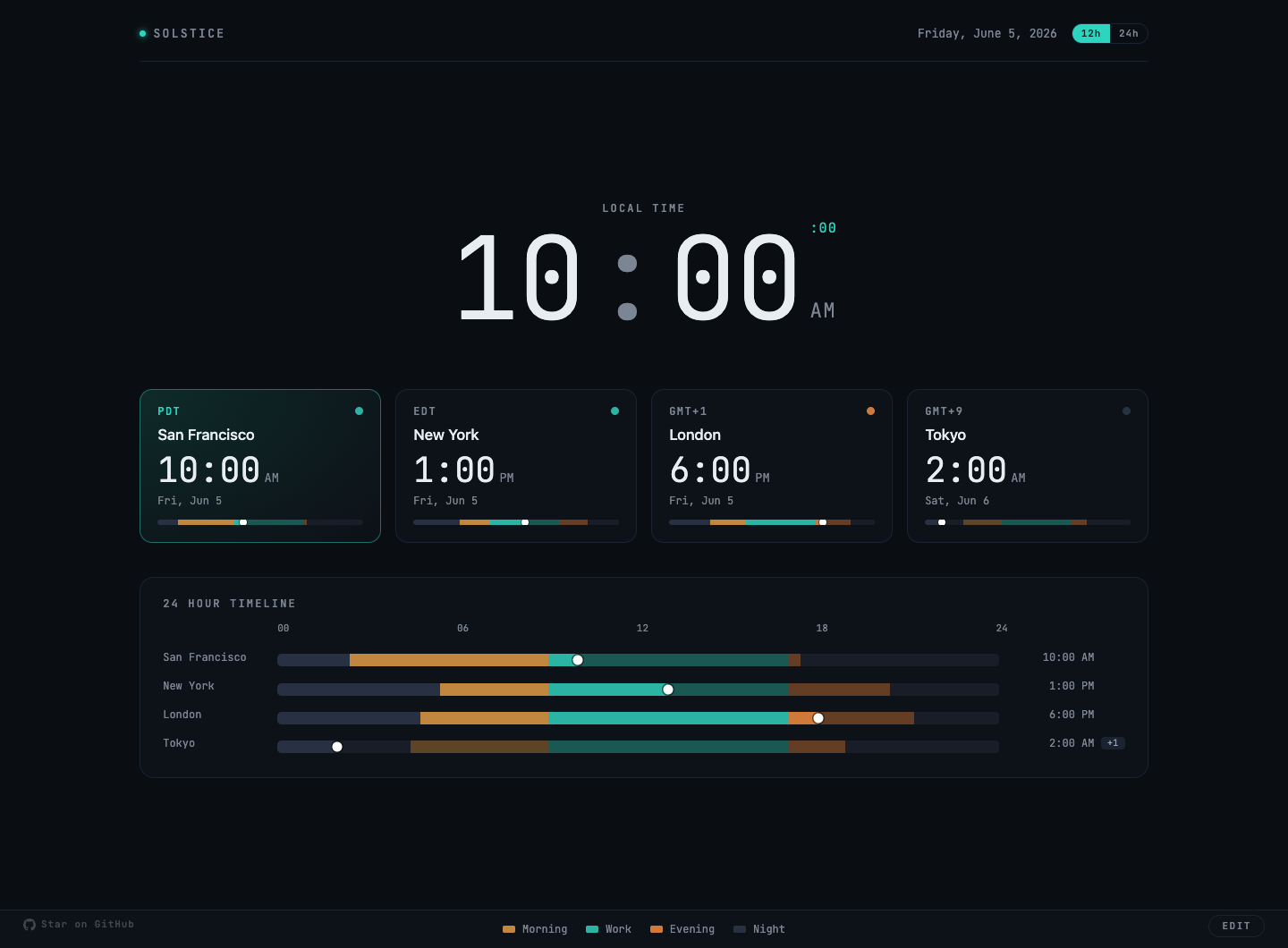
Solstice showing local time, four timezone cards, and daylight bands across a 24-hour timeline
MorningWorkEveningNight

Time you can see

A world clock that reads like a weather map.

Colored bands turn abstract offsets into something immediate: who is waking up, who is working, and whose day is winding down.

01

Glance, don't calculate

One screen answers “what time is it there?” and “is now a good time?” without counting backward on your fingers.

02

Daylight, for real

Sunrise and sunset are calculated from each city's coordinates, so the bands follow the season instead of a generic guess.

03

Quiet by design

No feeds, weather widgets, headlines, or attention traps. Open a tab, get your bearings, and keep moving.

Feature tour

From “what time?” to “what time works?”

Solstice is useful in a second, but there is more waiting when you need to plan.
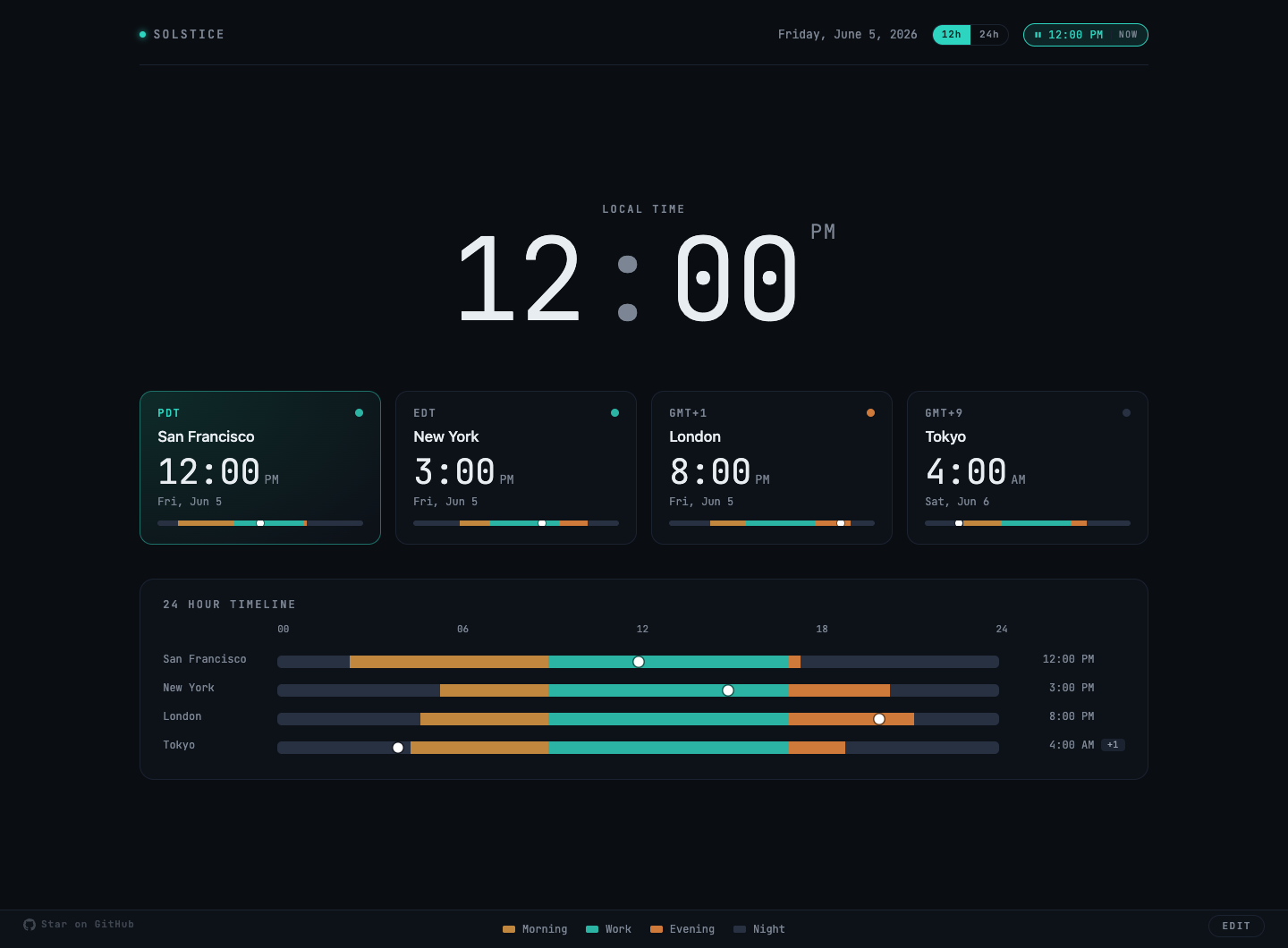
Solstice scrubbed to noon with every timezone updated to the same instant

Plan across zones

Drag the day to find a humane hour.

Grab any timeline marker and every clock moves with it. See the same instant everywhere, then reset to now when you're done.
  • Every zone stays locked to one shared moment
  • Quarter-hour snapping makes meeting times easy to read
  • Date chips make tomorrow and yesterday explicit
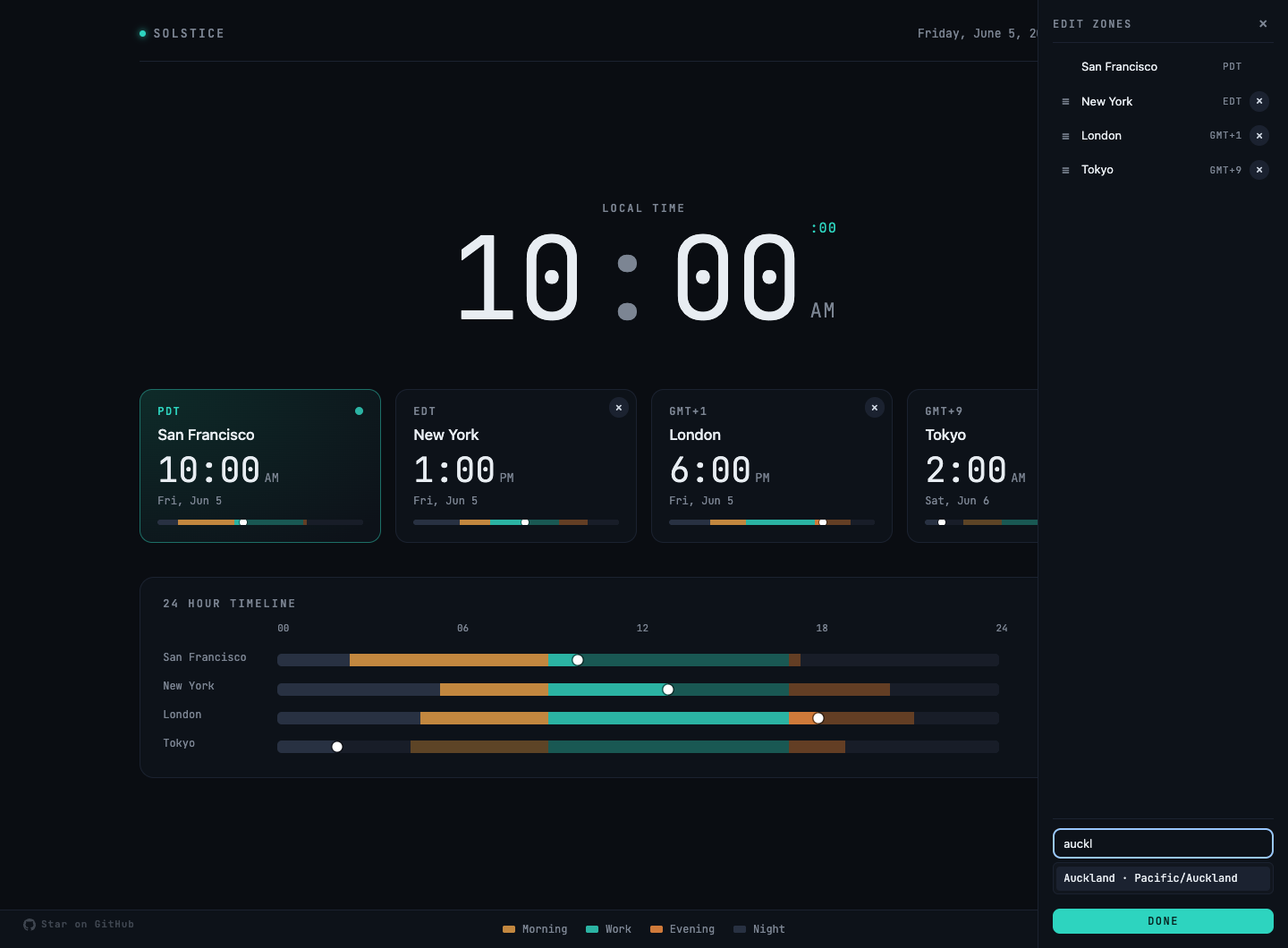
Solstice edit panel with reorderable zones and a city search field

Make it yours

Keep the places—or people—you think about.

Add cities in seconds, drag them into order, or rename London to the teammate who lives there. Your setup returns with every new tab.

  • Search for essentially any city on earth
  • Rename, reorder, and remove zones
  • Switch every clock between 12- and 24-hour time

Private by default

Your new tab doesn't need to become someone else's data.

Solstice has no accounts, analytics, advertising, or tracking. Your zones and preferences stay in your browser.

  • Location permission is optional
  • Daylight calculations happen locally
  • The source is public and inspectable
Read the privacy policy

FAQ

A few things worth knowing.

What does Solstice change?
Solstice replaces Chrome's default new-tab page. Your bookmarks, browsing history, search engine, and other browser settings are untouched.
Why does it ask for location access?
Location is used to label your local zone and calculate its daylight accurately. Permission is optional; Solstice falls back to an approximate IP location or your system time zone. See thefull privacy policy.
Does my setup sync between computers?
Not currently. Zones and preferences live only in the browser where you set them. That keeps the extension account-free, though export and import are on the roadmap.
Can I use Solstice without installing the extension?
Not yet. The website starts as a home for the extension, but the plan is to grow it into useful standalone time and daylight tools.
Is Solstice free?
Yes. Solstice is currently free and open source under the MIT license. You can inspect the code or contribute onGitHub.

Your next tab, calmer

Get your bearings at a glance.

Add Solstice to Chrome, choose the places you care about, and let the shape of the day do the math.

Add Solstice to Chrome